Where ConversationsBecome Private & SecuredWhispers
One account, two products: WhisFai, the private messenger for people you have met in person, and WhisFai Meet, secure meetings in your browser.
Here for a meeting? Sign in to WhisFai Meet
Two products. One account.
Pick the one you came for. Your username, password and subscription work in both.
WhisFai
The app for Android and iPhone
A private messenger for people you have met
- Messages encrypted on your phone before they leave it
- Friends added by meeting in person, not by phone number
- Voice and video calls, groups and a Contact Vault
WhisFai Meet
In your browser at meet.whisfai.com
Meetings with nothing to install
- Group meetings with screen sharing and a shared whiteboard
- Guest links, so anyone can join without an account
- Scheduling with reminders, and a files library
WhisFai · the app for Android and iPhone
Privacy is not a feature. It's the foundation.
WhisFai is a messenger for people you have actually met. It keeps your conversations private, your identity protected and your connections real.
Encrypted on Your Device
Every one-to-one message is encrypted on your device by an Olm session (vodozemac, open source) before it reaches us, and each message gets its own key. Our servers store ciphertext, never readable content.
Verified in Person
Add friends by meeting them. Find each other over Bluetooth, scan each other's code, and both phones show the same 60-digit safety number. No key travels over Bluetooth or in a code.
A Key Made When You Meet
Messages between Direct Friends are sealed under a key made when you meet, used inside the encrypted session and held only on your phones.
A Network Built on Trust
No public directory and no random requests. Your network grows through meetings, introductions from friends, or one person you look up by their exact username.
Anonymous by Default
No phone number, and no email unless you choose to add one for account recovery. A username and a password are enough to start.
Groups, Voice & Video Calls
Group chats with group voice calls on every plan; Pro adds groups of up to 256 and group video calls. Calls travel over encrypted connections through our call servers and are never recorded in the app.
Contact Vault
A private Vault for contacts you do not want stored in your everyday app view. Move a contact, or a group, out of Contacts, Chats, call history, mutual discovery, normal notifications and WhisFai-managed local data on this device, until you unlock it with device authentication and your recovery code. The other person is not told that you used Vault.
Disappearing Messages
Messages that delete themselves after 1 hour, 1 day, 7 days or 30 days.
Encrypted Chat History Backup
Back up your chats under a backup key only you hold. Save it as a file, or keep an encrypted copy with us that updates daily. On every plan.
A Recovery Key Only You Hold
Back up your account's keys with a recovery key we cannot decrypt. Lose both your password and your recovery key, and nobody can restore the account, us included.
Biometric App Lock
Lock WhisFai with Face ID, Touch ID or your fingerprint.
No Ads, No Trackers
The app carries no advertising or analytics trackers, and we do not sell your data. Encryption and privacy are the same on every plan.
How the WhisFai app works
Building trusted connections in five steps.
Create an Account
Sign up with just a username and password — no phone number, no email required. Optionally add email for account recovery. Your identity stays yours.
Meet in Person
Open WhisFai and discover nearby users over Bluetooth — real people in the same room. Bluetooth is for discovery only; nothing about your keys travels over it.
Verify & Connect
Each phone shows a code and scans the other's. Both phones show the same 60-digit safety number, and a matching scan verifies the connection. No key is carried in the code.
Chat Securely
Send messages and share media, encrypted on your device — with a key made when you met used inside the encrypted session and held only on your phones. Voice and video calls travel over encrypted connections through our call servers.
Expand Through Trust
Discover friends of friends through one-hop introductions, or find one person by their exact username. Meet them in person later to make it a Direct Verified connection.
A look at the app
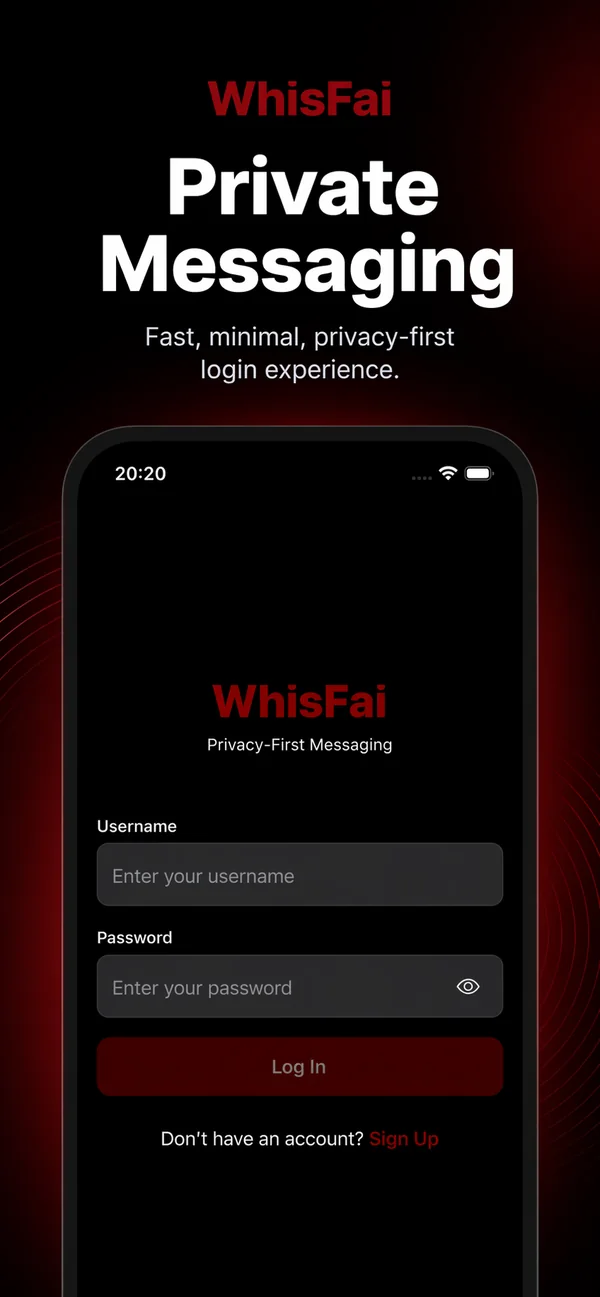
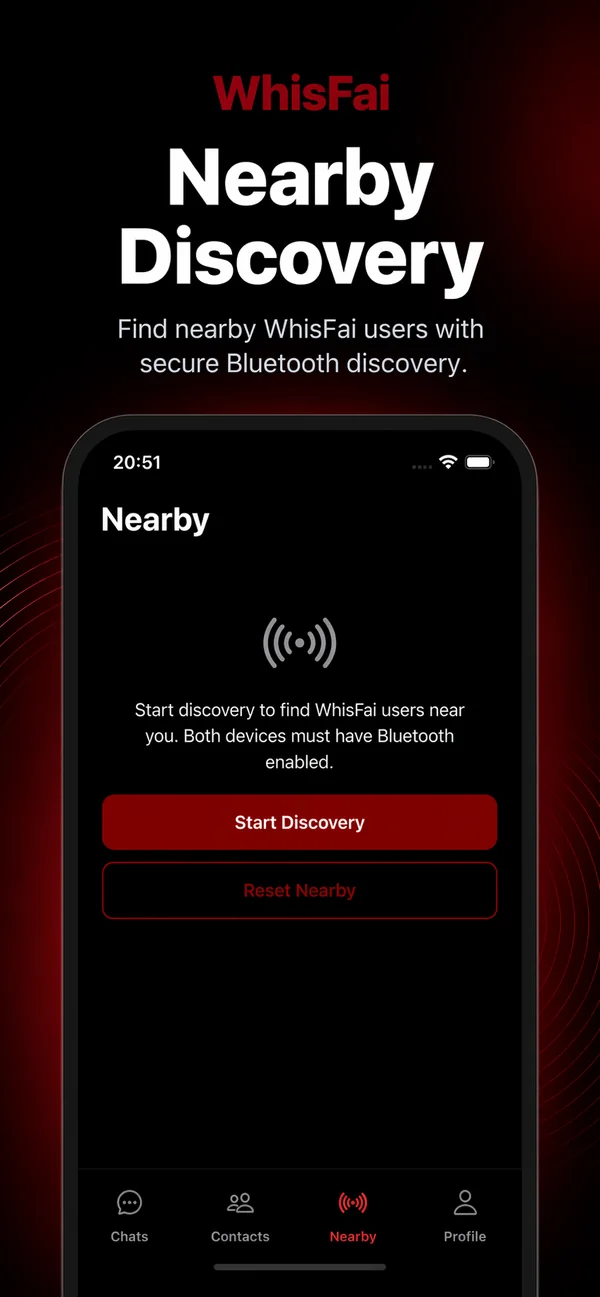
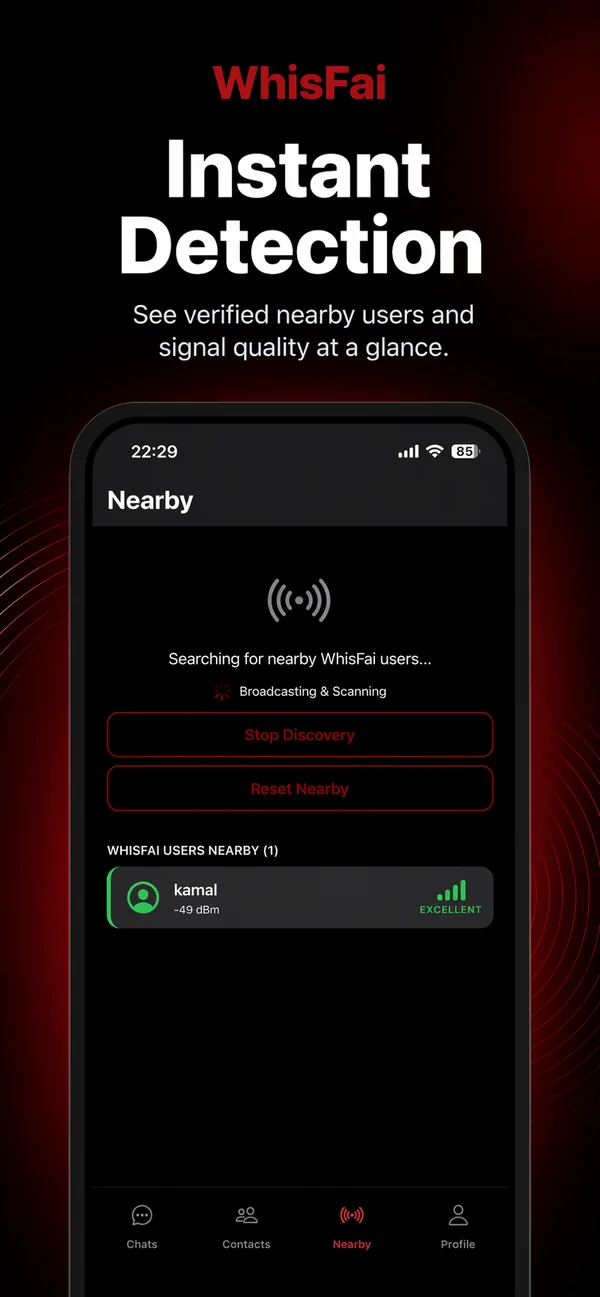
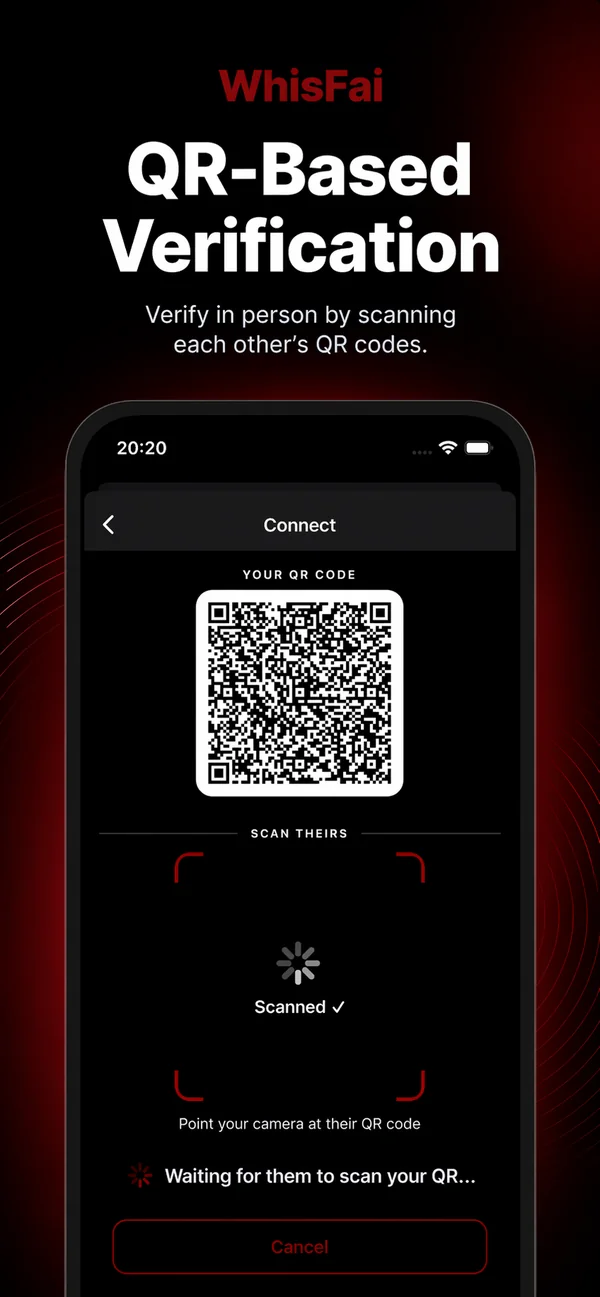
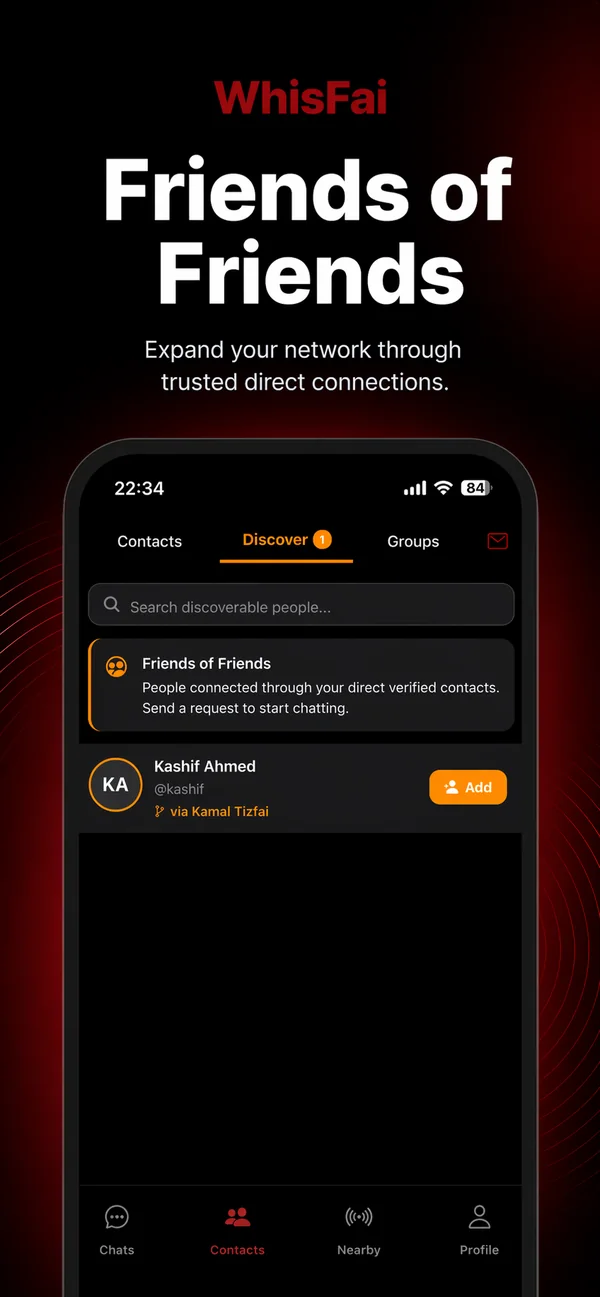
Screenshots from the app's store listing.
WhisFai Meet · in your browser
Secure meetings, right in your browser
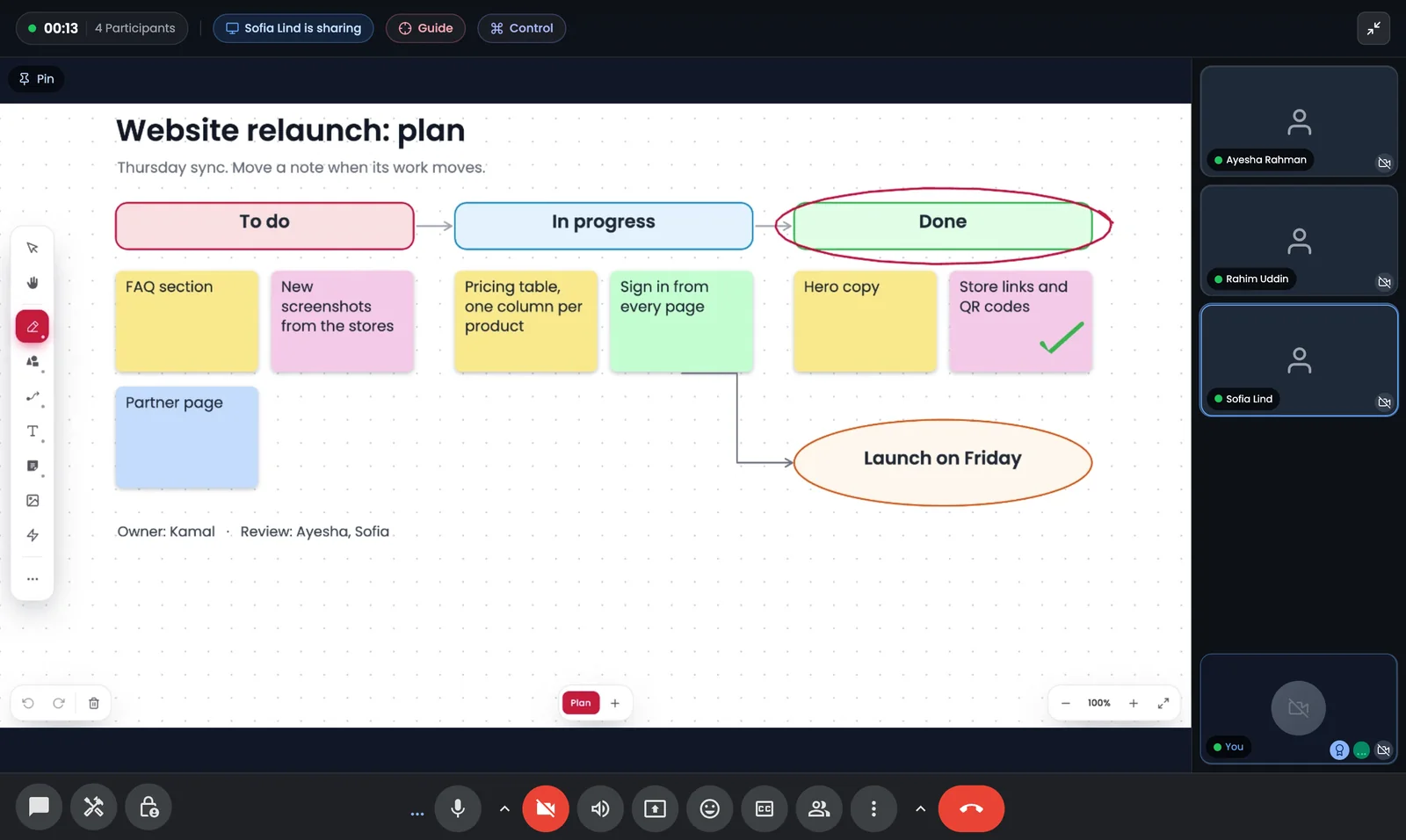
WhisFai Meet is a separate product on the same account: group meetings, a shared whiteboard, scheduling and a files library at meet.whisfai.com. Nothing to install, for you or your guests.
Paste the link or type the code. No account, nothing to install.
Group Meetings
Meet in your browser, with screen sharing for everyone. Free meetings are voice meetings of up to 4 people for 40 minutes; Pro meetings hold 10 people with video and no time limit.
Guest Links and a Waiting Room
Invite anyone with a link, or a 9-character code they can read out loud. Guests join from any browser, with no account, and wait until you let them in.
End-to-End Encrypted Meetings
Turn it on when you start or schedule a meeting: audio, video and screen shares are encrypted in each browser under a key our servers never hold, and the key is replaced when someone is removed. Chat, the whiteboard and files are stored as in any meeting.
Collaborative Whiteboard
Draw, add notes, shapes and connectors, and present a multi-page board, in a meeting or on its own, with PNG and PDF export.
One price for both products
One subscription covers the WhisFai app and WhisFai Meet. Every new account starts with 30 days of Pro, no card needed. Encryption and privacy are the same on every plan; Pro adds capacity, media and video.
Free
A complete private messenger, and small meetings
$0
- End-to-end encrypted messages
- Voice calls, and 120 minutes of video calls a month
- Up to 5 Direct Verified contacts
- One group, and one contact in the Vault
- Meet: voice meetings of 4 people for 40 minutes
Pro
Everything, in both products
$4.99a month
- Unlimited video calls and screen sharing
- Photos, voice notes and files
- Unlimited contacts, and groups of up to 256
- Meet: 10 people with video, no time limit
- Meet: recording, transcription, AI notes and breakout rooms
In the app through the App Store or Google Play; on the web by card at meet.whisfai.com.
In the WhisFai app
In WhisFai Meet
Building a product? The WhisFai Meet Partner API lets your service start Meet calls for its own users. Write to us.

Ready to whisper privately?
Download WhisFai and start building your trusted network today. Your first month of Pro is completely free.

Google Play
Scan to download for Android

App Store
Scan to download for iPhone
Available on Android and iOS. Meetings instead? Sign in to WhisFai Meet